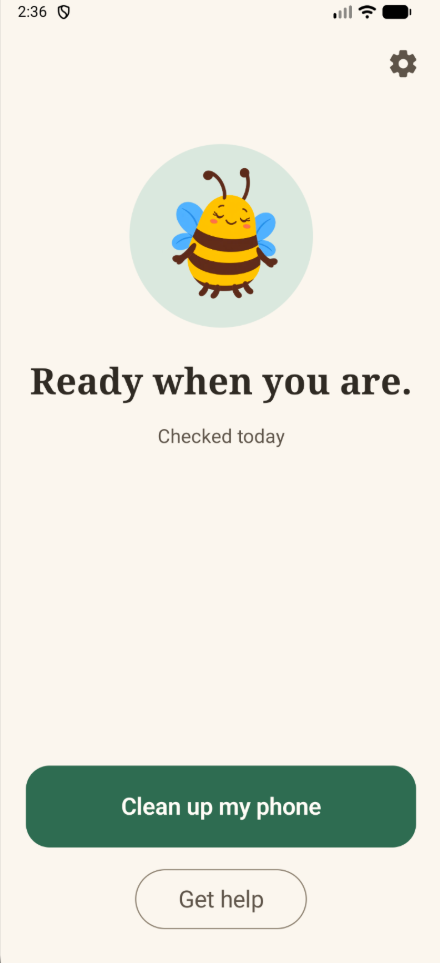
Shoofly clears out the ad-spam apps — and keeps them from coming back.
The fake alerts, the full-screen ads, the battery dead by lunch: they come from junk apps hiding on her Android phone. Shoofly finds them, helps her remove them, and keeps watch. Fewer “it’s doing the thing again” calls. More calls just to catch up.

“Every morning we open to a line of people whose phones have been taken over by ads — again.”
Most mornings, three or more customers are waiting at the counter with the same problem: full-screen ads, constant alerts, a battery that’s dead by lunch. We clean the phone, they head home happy — and a few weeks later, they’re back.
Cleaning a phone is the easy part. Keeping it clean is the trick. Shoofly is what we always wished we could send home with them.
Or a cleaner, or a weather widget. Then the ads arrive. She didn’t do anything wrong — these apps are made to be hard to spot and harder to remove.
Right when she’s trying to answer a call or look at the grandkids’ photos.
“Your battery is damaged.” “47 junk files.” None of it is true.
Ad apps run in the background around the clock.
“It’s doing the thing again.” And you can’t see her screen to help.
Three calm steps. No tech skills needed.
It looks for apps that show ads over other apps, send junk alerts, or drain the battery — and counts how many junk alerts she’s getting.
Each app it finds gets a plain-English explanation. One tap removes it. Android requires a tap for every removal, so nothing disappears without someone saying yes.
Shoofly checks in once a week. If junk tries to come back, you get a friendly text, so it’s handled before it becomes a problem.
We’d rather miss a bad app than remove a good one. So Shoofly is careful first and clever second.
Banking, messaging, pharmacy and other everyday apps stay off the list.
If she opened it recently, Shoofly asks before flagging it.
Removed something she wanted? Shoofly keeps a list so you can put it back.
A few kinds of adware are built into the phone itself and can’t be removed by any app. If Shoofly finds one, it tells you plainly and points you to a store that can help.
The questions we hear across the counter every day, answered one step at a time. The pictures match her exact phone, so what she reads is what she sees.
A sample of the planned lessons.
No. Shoofly is for Android phones only, starting with Samsung Galaxy and Google Pixel. iPhones don’t get this kind of ad-spam problem nearly as often.
No. Android doesn’t allow any app to remove other apps silently. Shoofly finds and lists them, and a person taps to confirm each one.
No. Shoofly focuses on one thing: the ad-spam apps and junk alerts that make everyday phones hard to use. It isn’t a replacement for Google Play’s built-in protection.
Setup walks through a few permission screens with big, one-step instructions. You can do it together on a visit, or she can follow along on her own.
Shoofly will be a monthly subscription that you can pay for on her behalf. We’re finalizing pricing now. Early-access members hear first, before anyone else.
We’re testing with real customers now. Join the early-access list and we’ll email you when it’s ready for her phone.
Join the early-access list and we’ll send one email when Shoofly is ready for Samsung and Pixel phones.
Work at a carrier store and see this every morning? Pick “A customer’s phone” when you sign up — we’d love your help testing.